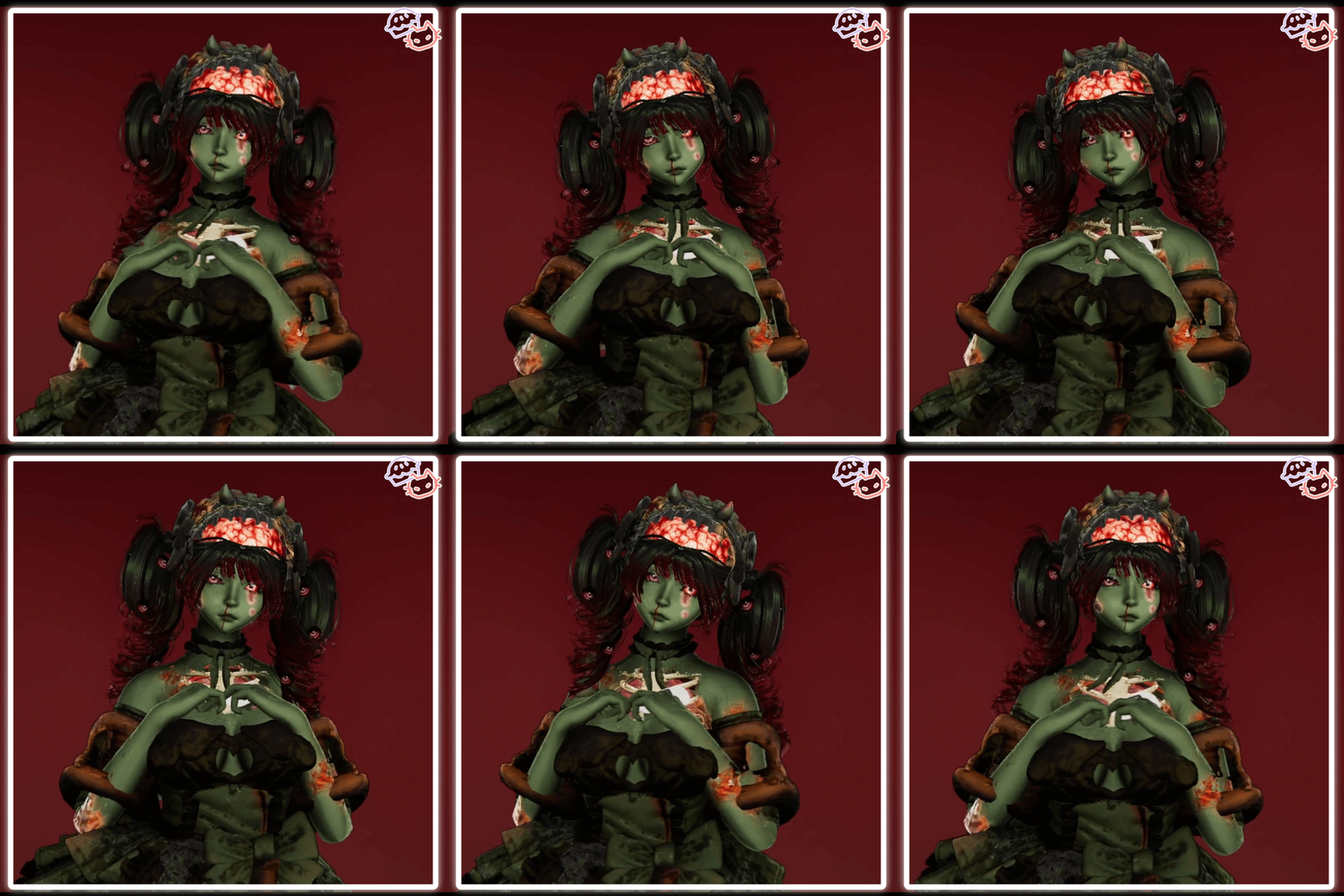
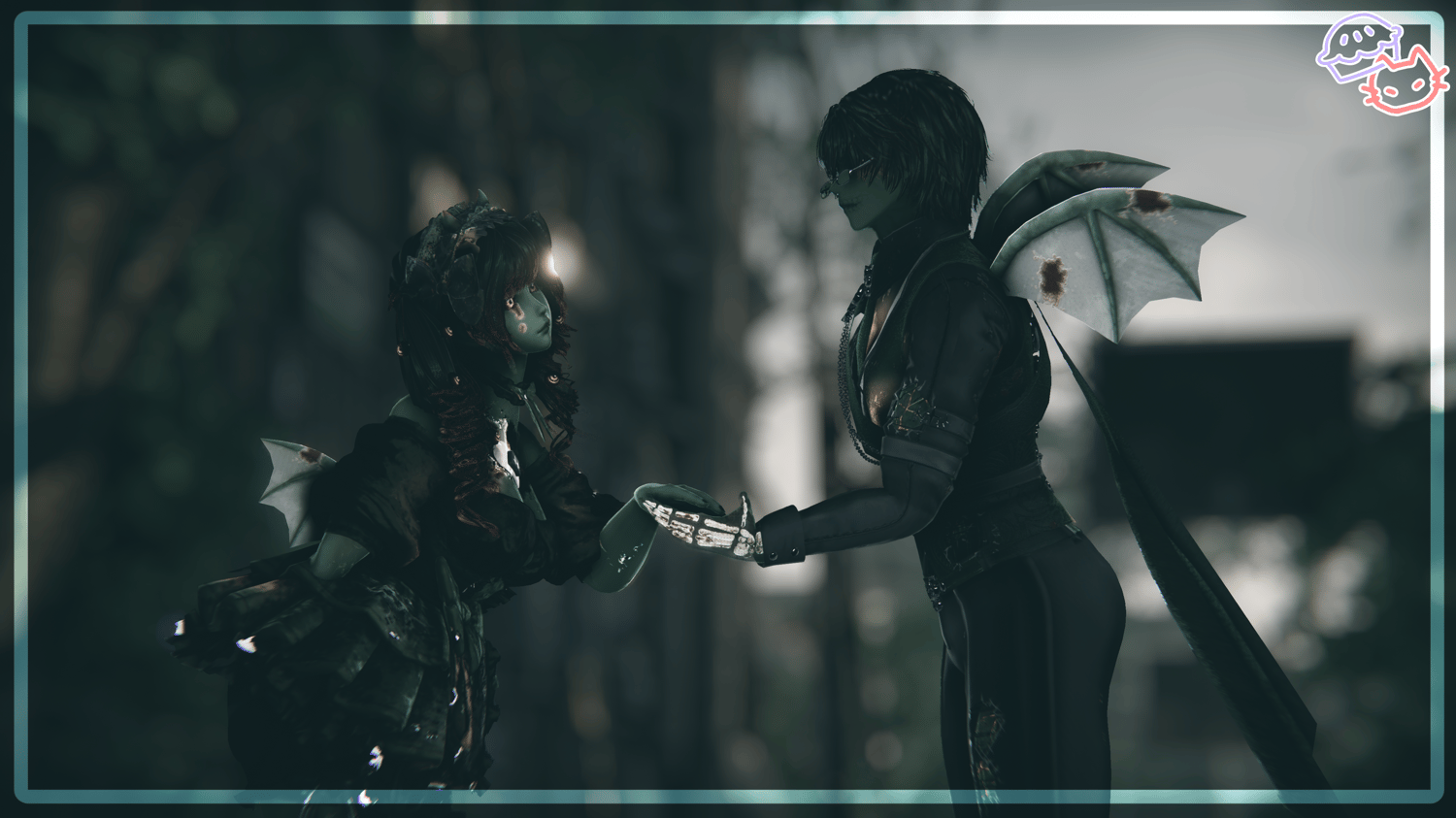
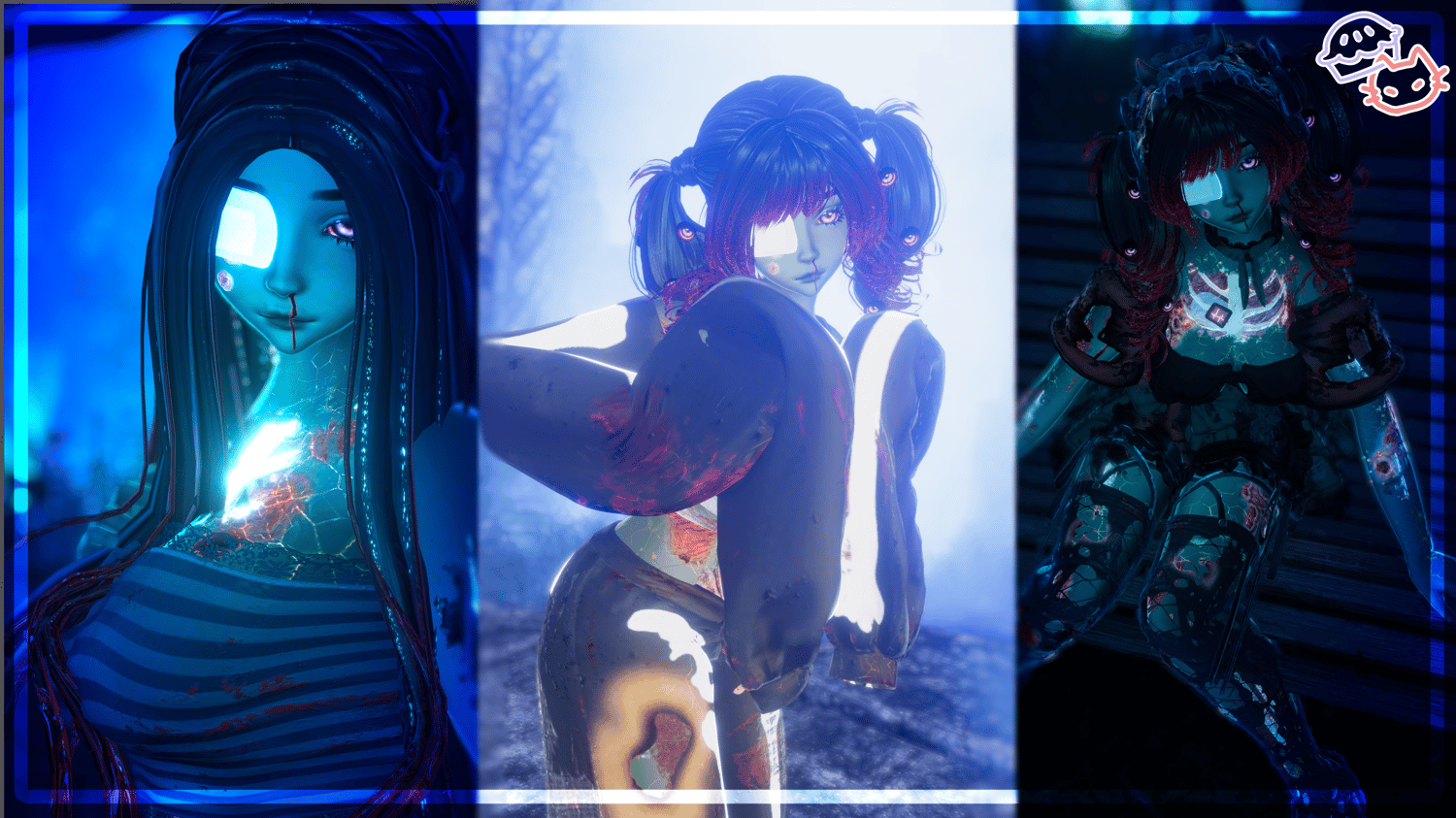

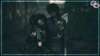
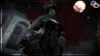
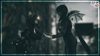
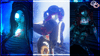

Arabella - The Zombie PC/QUEST
₊‧.°.⋆🫧•˚₊‧⋆.

Instructions:
Find my upload tutorial here for a video to follow along!
REQUIRED PC:
poi_Toon through VCC
most recent VRCfury
Audio Link through VCC
Unity 2022.3.6f1
Sdk 3.10.3 or higher
PC Instructions
1.Make a 2022 avatar unity project through the vrchat avatar companion.
2.import shaders that are listed above in required first.
3.once shaders are imported you can import the model project.
4.Once the model is imported locate the OPEN ME scene in the project files.
5.Drag and drop OPEN ME to the Hierarchy.
6.Navigate to the vrchat sdk at the top and open the control panel.
7.in the control panel popup navigate to Builder.
8.fill out the info in the builder and press Build and publish at the bottom!
REQUIRED QUEST:
most recent VRCfury
Audio Link through VCC
Unity 2022.3.6f1
Sdk 3.10.3 or higher
Quest Instructions
1.Make a 2022 avatar unity project through the vrchat avatar companion.
2.Navigate to files at top left corner and click build settings.
3.Click the Android option and click switch platform at bottom right corner.
4.import the model package.
5.Once the model is imported locate the OPEN ME scene in the project files.
6.Drag and drop OPEN ME to the Hierarchy.
7.Navigate to the vrchat sdk at the top and open the control panel.
8.in the control panel popup navigate to Content Manager- find the models pc side(you can search what you named it)
9.under that model click copy ID.
10.Navigate to the avatar in the hierarchy and click.
11.on the right under the inspector locate the pipeline manager.
12.paste the ID you copied under the pipeline manager and click attach.
13.follow steps 6-8 from pc side.
₊‧.°.⋆🫧•˚₊‧⋆.
₊‧.°.⋆🫧•˚₊‧⋆.
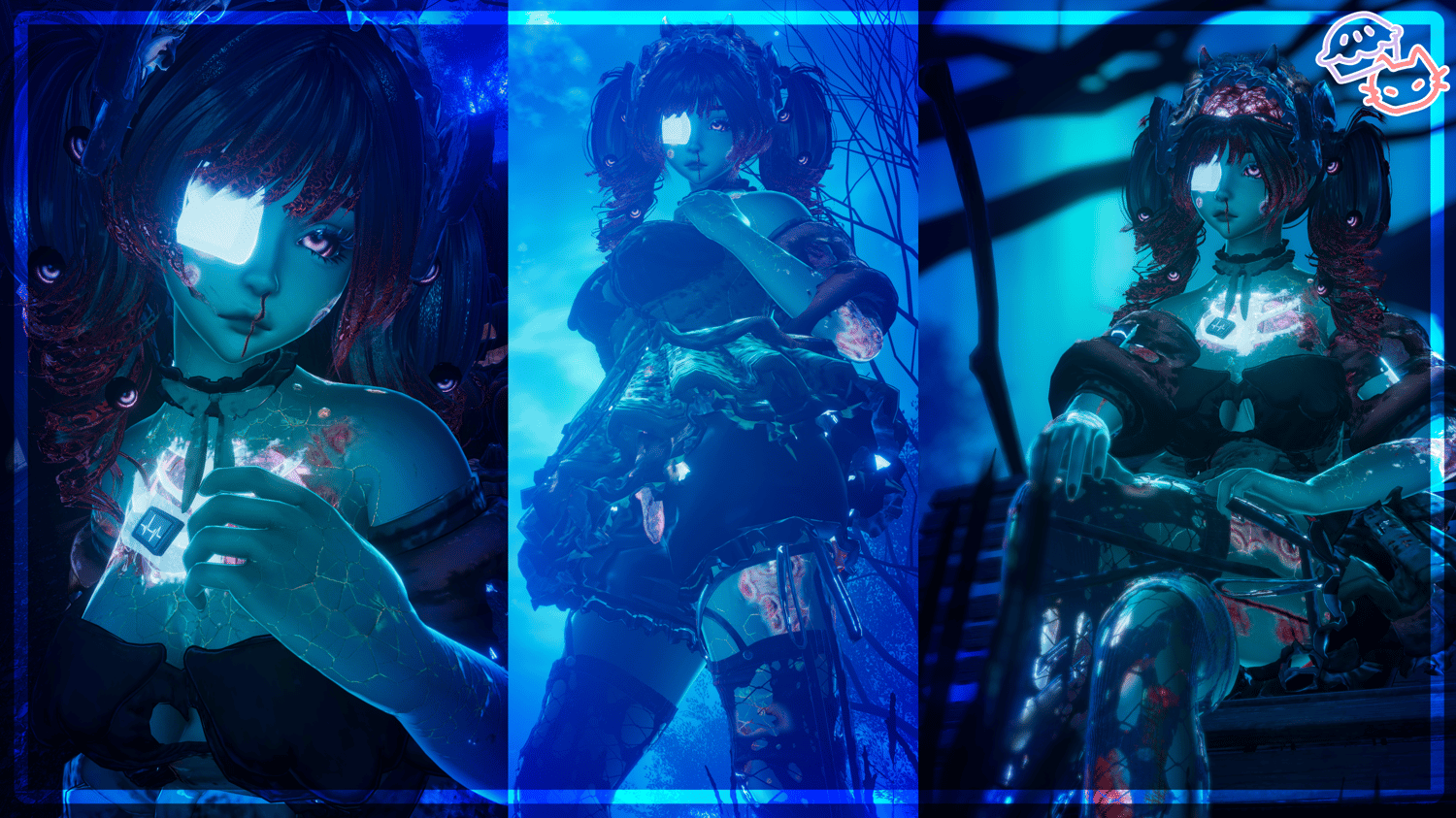
ଳ Wings + Size Adjust
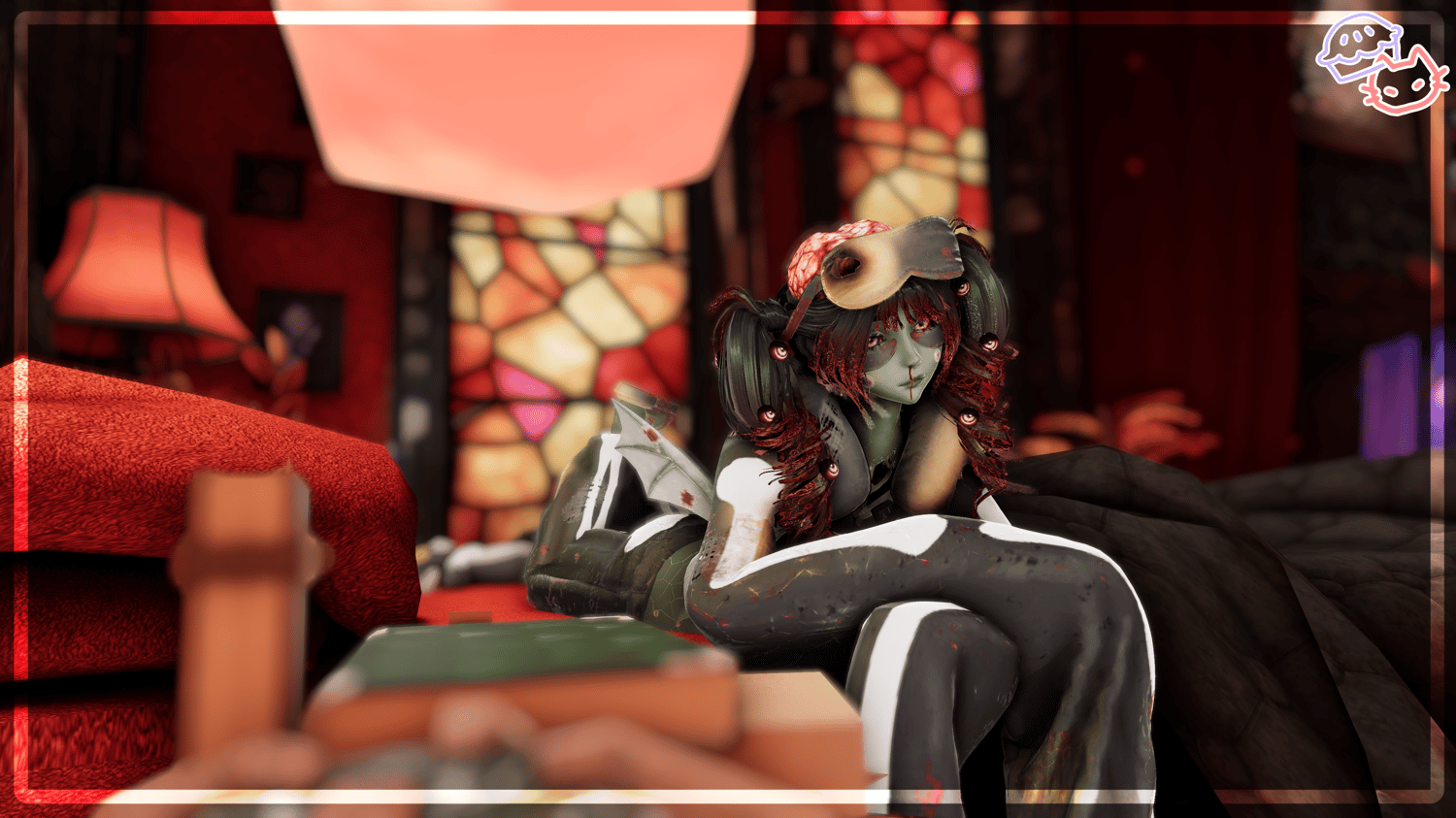
ଳ Brain Toggle
ଳ HairSwap
ଳ Bald Toggle
ଳ Hue Shifts - Hair, Body and Clothing
ଳ Lashes Toggle
ଳ Body - Body Transparents Toggle, Flat Chest, Wing Idle
Both hair options can be visible with brain!
ଳ Pigtails
ଳ Long Hair
ଳ Bald
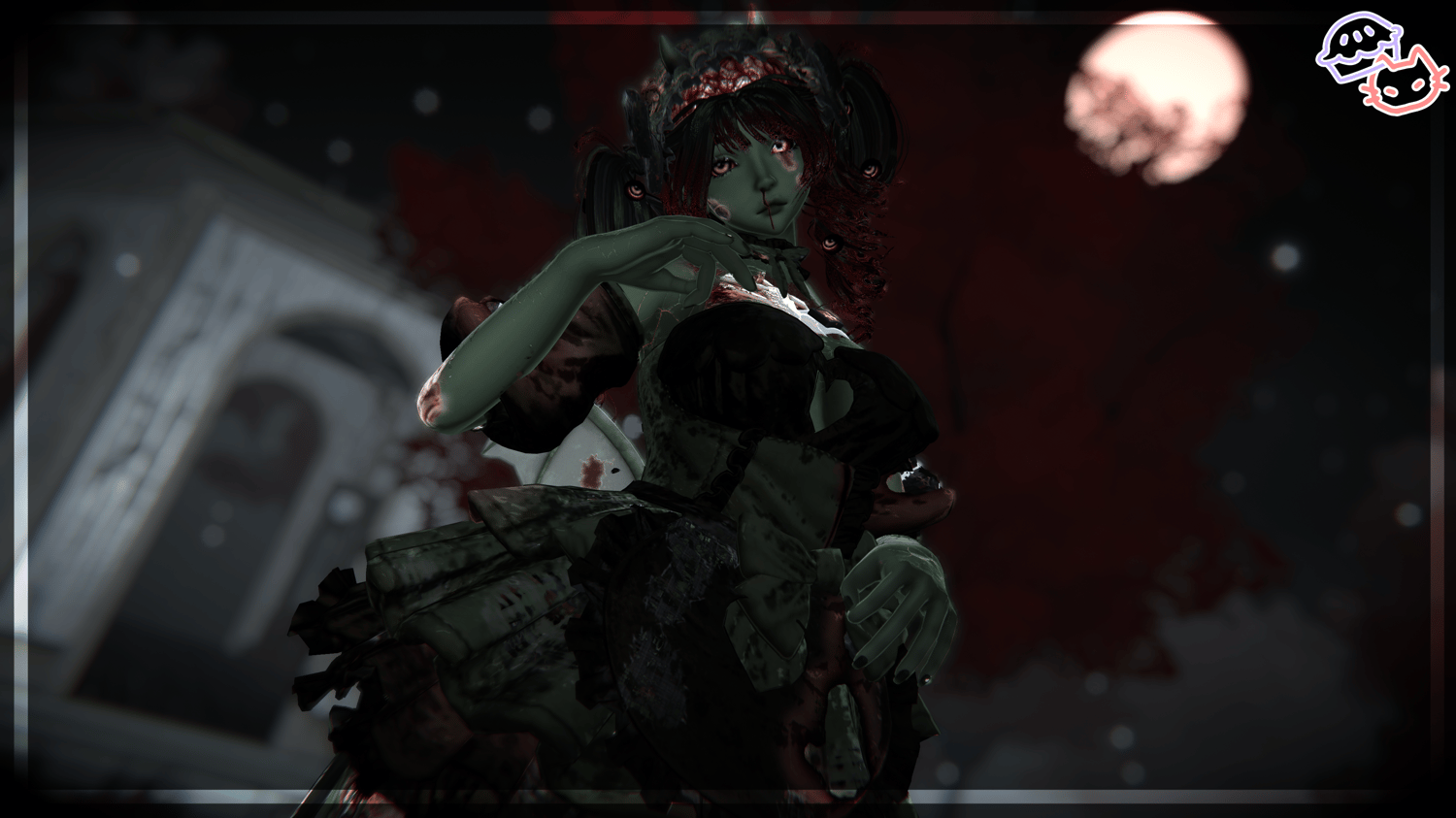
ଳ Dress
ଳ PJ Long Sleeve
ଳ PJ w/ tubetop
Dress Accessories:
ଳ Choker
ଳ Head Dress
ଳ Sleeves
PJ Accessories:
ଳ Sleep Mask
ଳ Skin Care
ଳ Neck Pillow
ଳ Slippers
ଳ Heart Monitor
ଳ Eye Patch
ଳ Gut Pillow
ଳ Avatar Randomizer
ଳ Tea Party - World Drop
ଳ Post Processing - Greyscale and Brightness adjust
ଳ Expression - Gestures Toggle, Blush Toggle and Dread Toggle
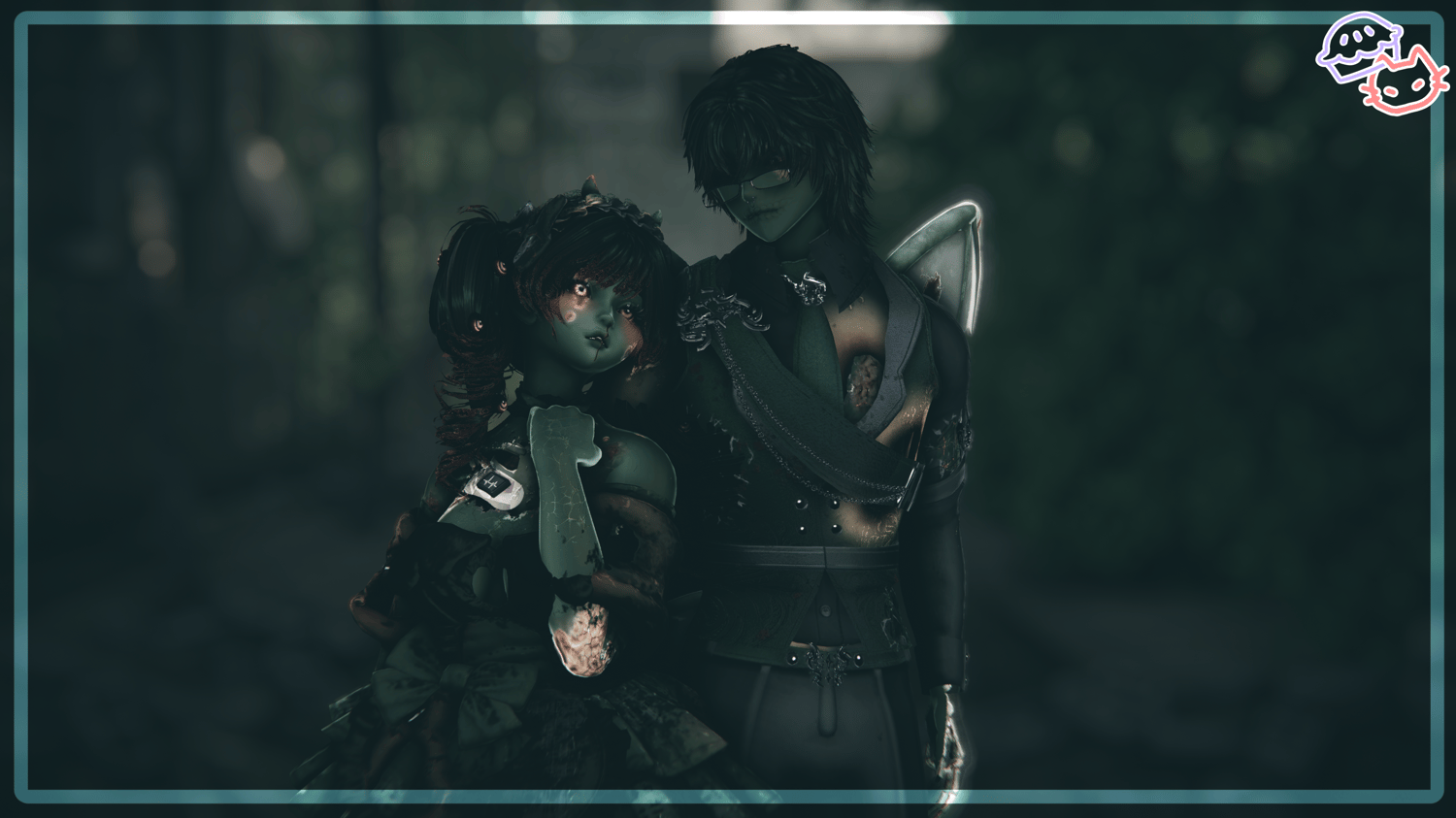
Art Above By: Sleeepy
₊‧.°.⋆🫧•˚₊‧⋆.
₊‧.°.⋆🫧•˚₊‧⋆.
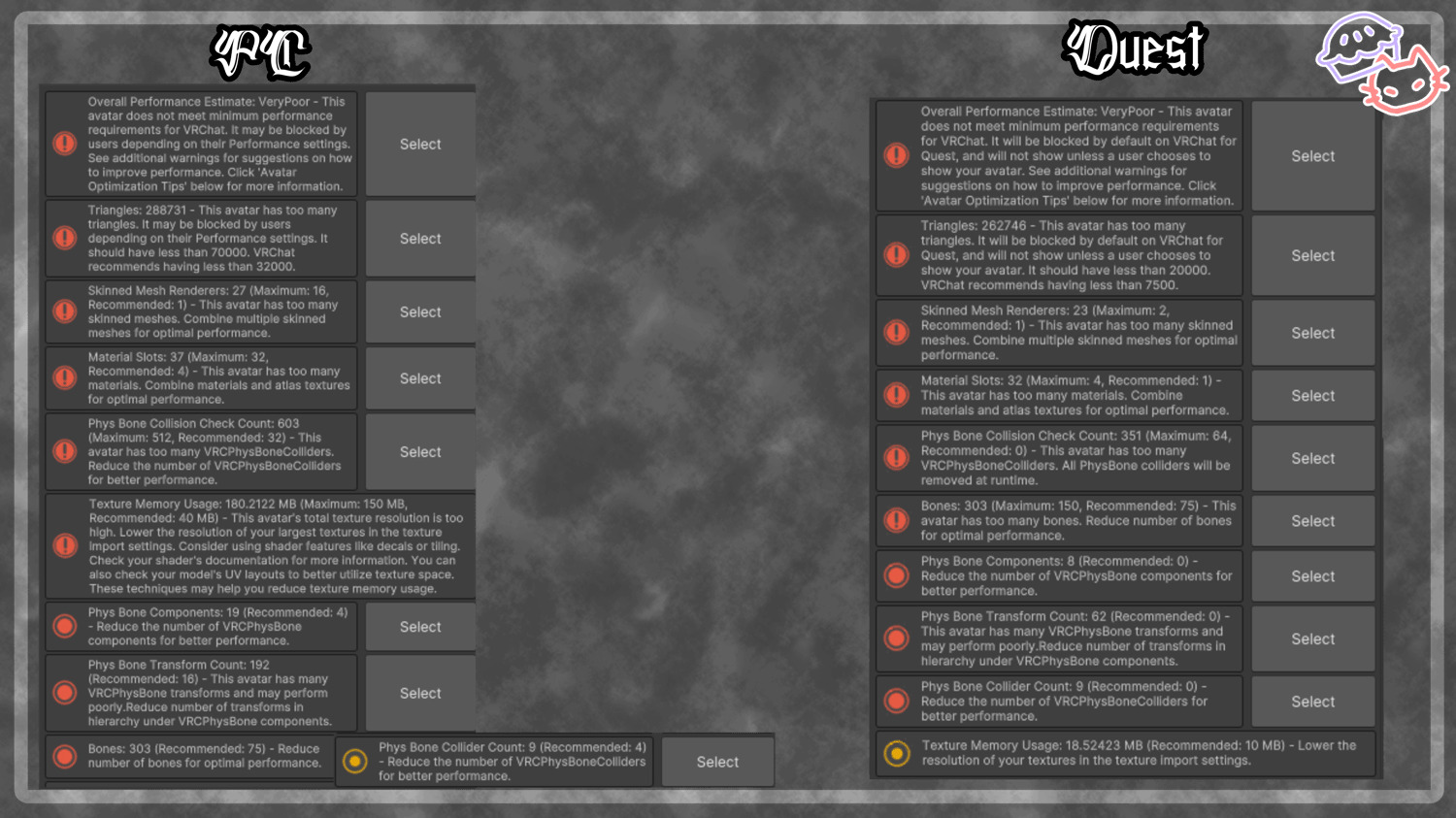
Physbones on Quest:
- Hair - Pigtails
- Hair - Long
- Wings
- Dress Skirt
- Brain
- PJ Sleeves
Removed on Quest:
- Heart Monitor
- Warmer Ribbons
- Pillow
- Head Dress
Quest Gallery
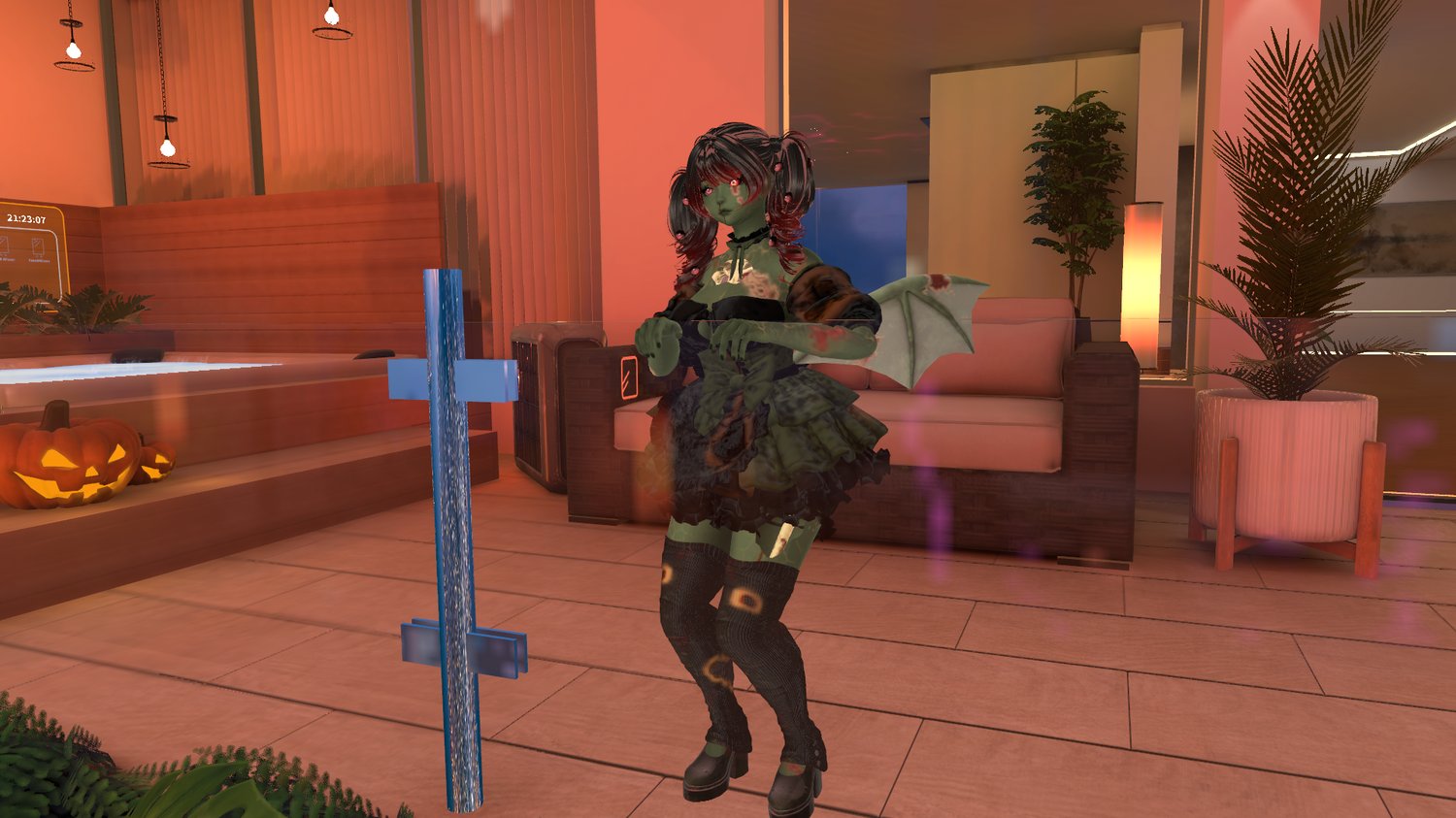
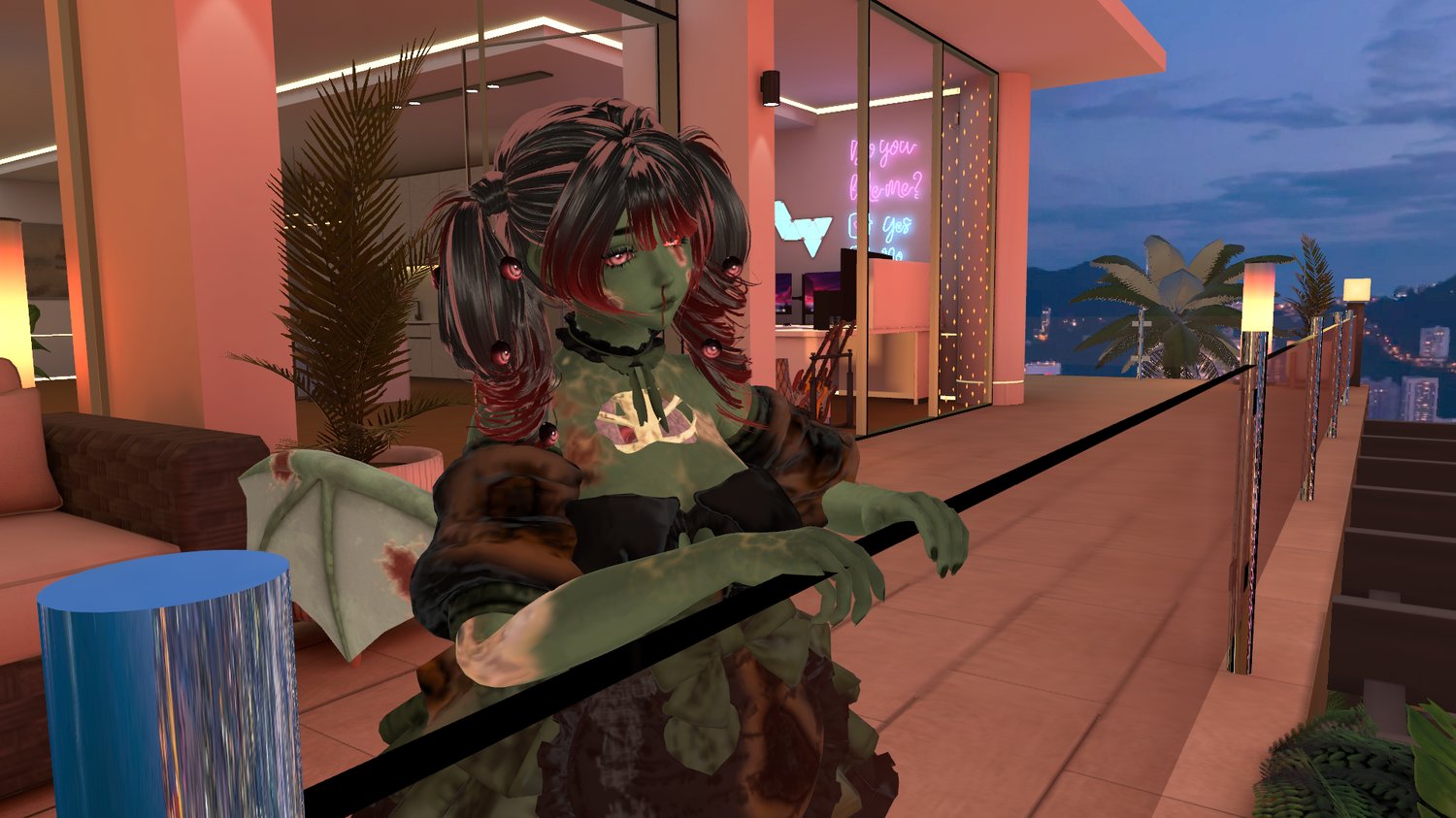
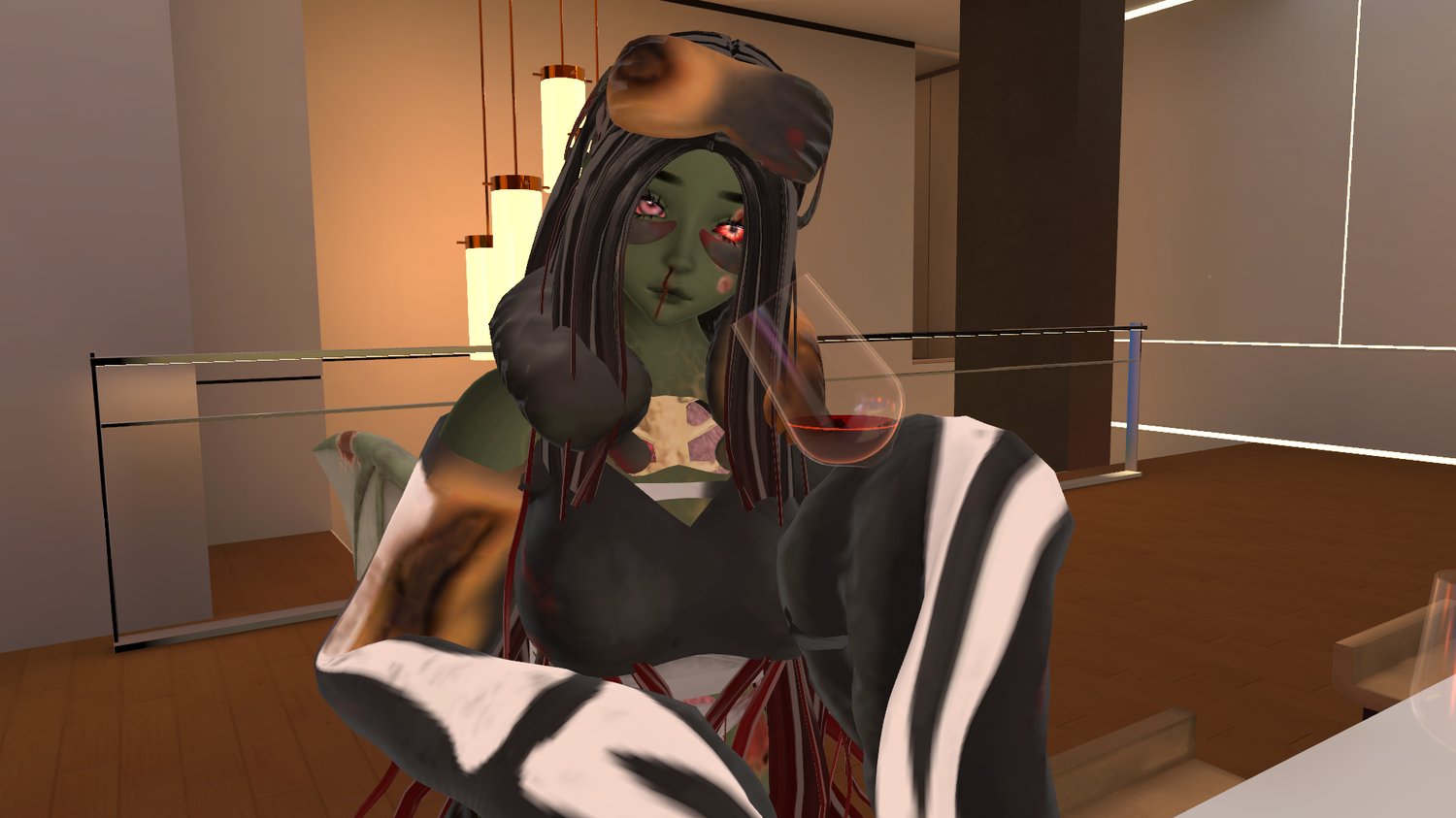
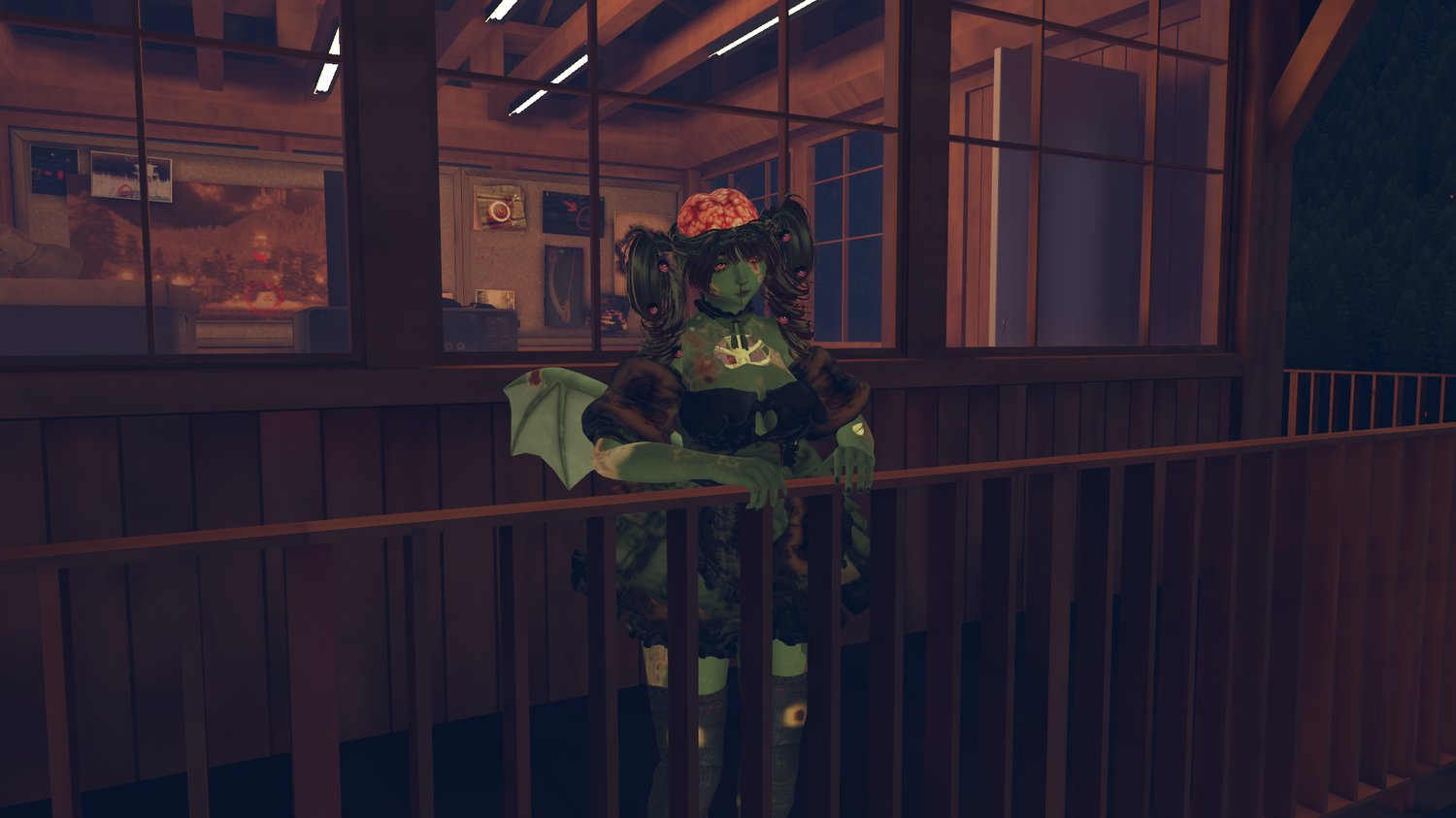
Art Above By: Sleeepy
₊‧.°.⋆🫧•˚₊‧⋆.
₊‧.°.⋆🫧•˚₊‧⋆.
₊‧.°.⋆🫧•˚₊‧⋆.
₊‧.°.⋆🫧•˚₊‧⋆.
Everything made by me: Tubetop, warmers, Heels, Brain, Guts, Lungs, Skeleton, Wings, Head Acc, Body Textures
Made by my love GM: Body (softi not released yet), Bandages, Heart Monitor, Heart
Other: Head - Starlynn , Eye Textures, Hair 1 Saikura, Hair 2 Nessy, Outfit 1 Bloomers Pastelaesthetics, Outfit 2 KingShai69
Photo / Vids
PC Showcase/toggle Vid: Luxifinity
Quest Toggle Vid: Doom
Photos/vids: Me, senmaii, iresxsx, .sinfulbunny., kyubivr, benmiyanaga
Quest Photos: unknownphoenix_3