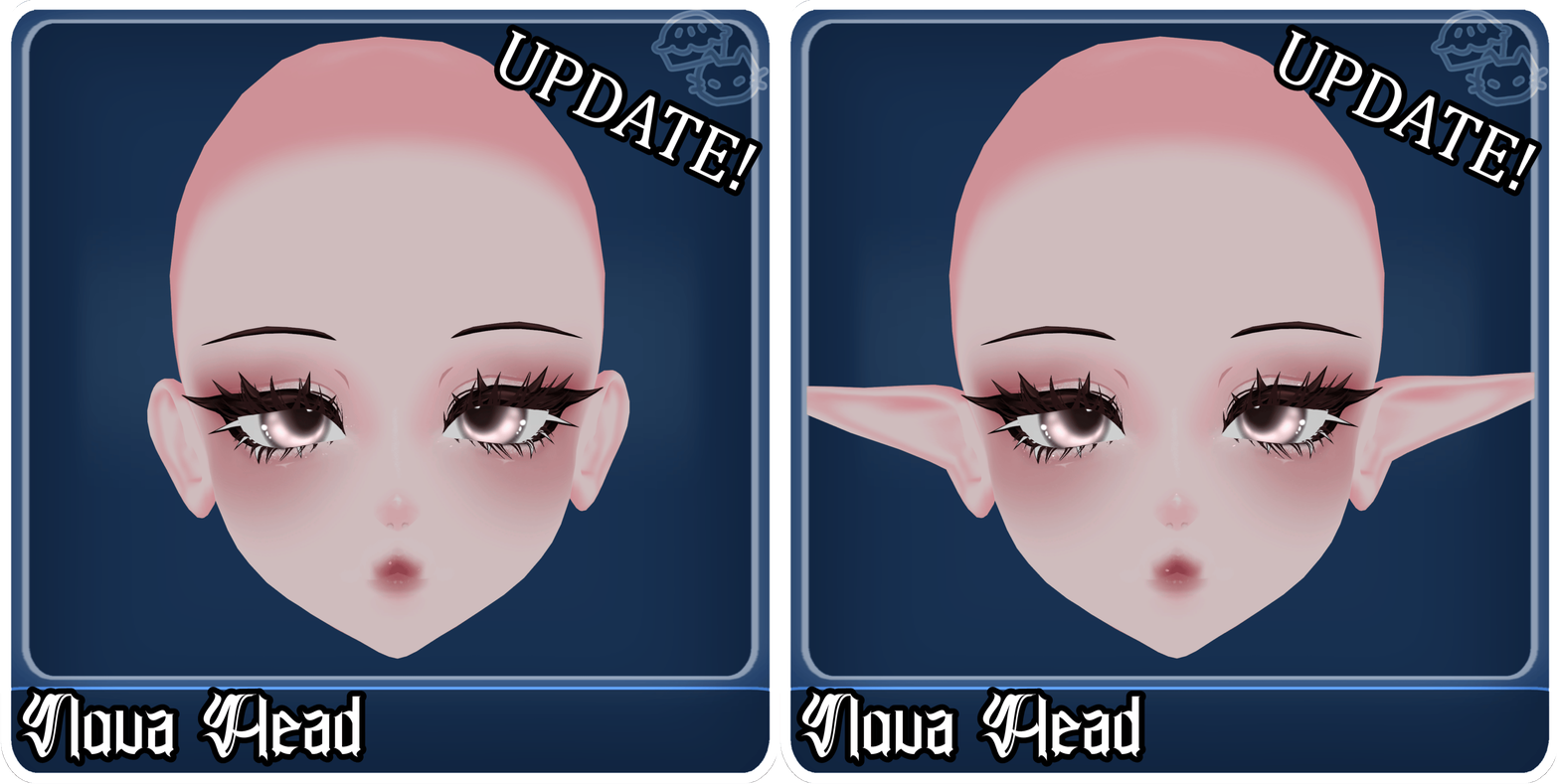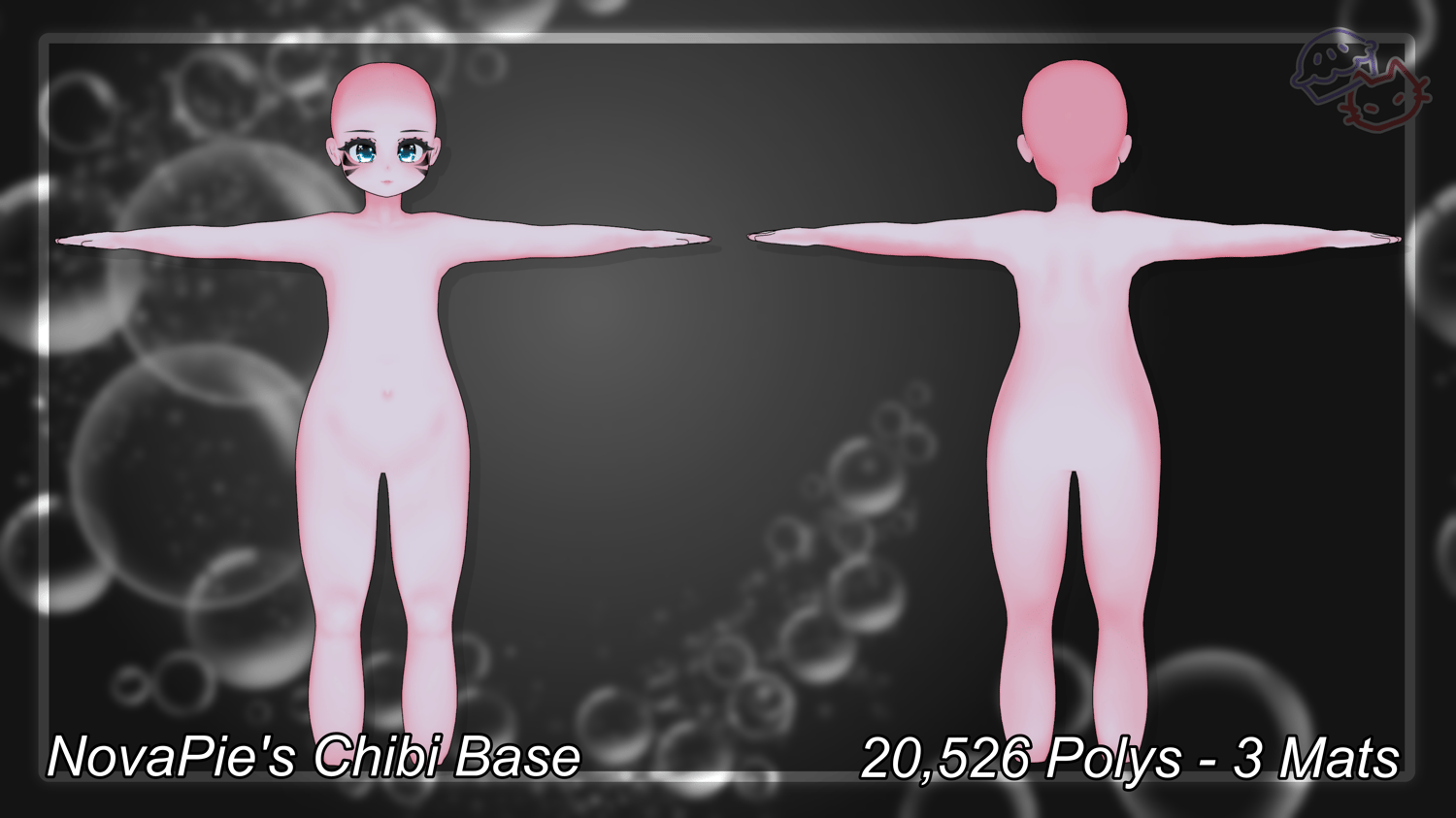

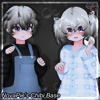


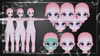
NovaPie's Chibi Base
On Sale
$999.99
(30% off)
Test out my base DEMO here NovaPie's Chibi Base DEMO
THIS IS NOT A AVATAR, you must have unity/blender knowledge in order to use this product.
══ ❀•°Info°•❀ ══
Unity Packages requires:
Poly Count :
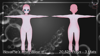
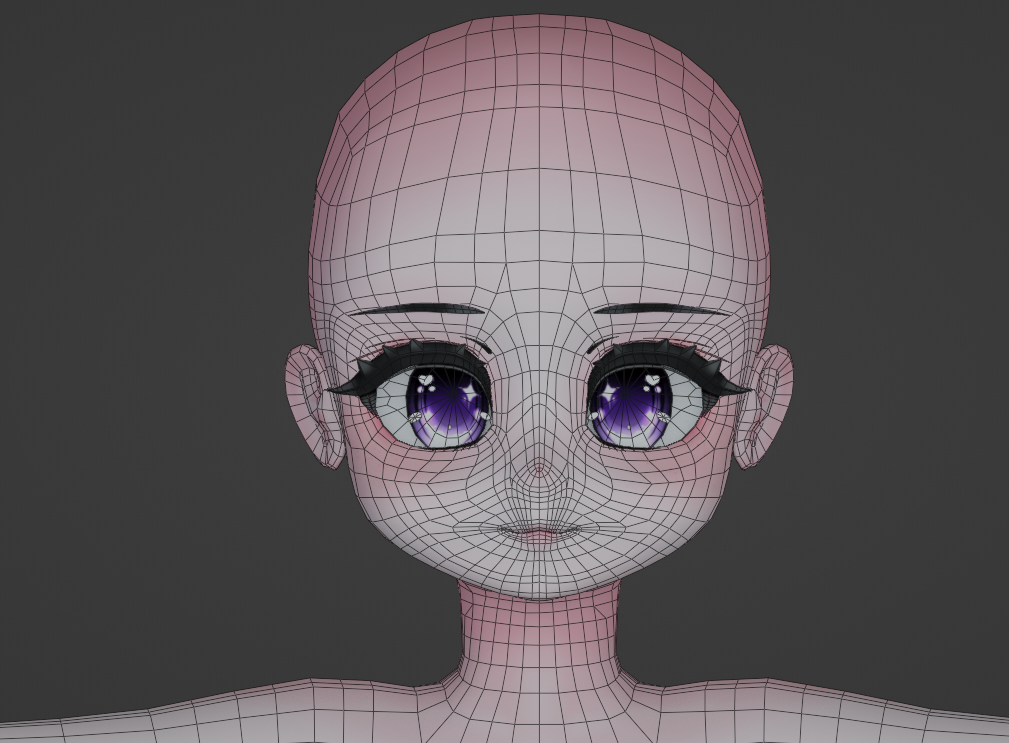
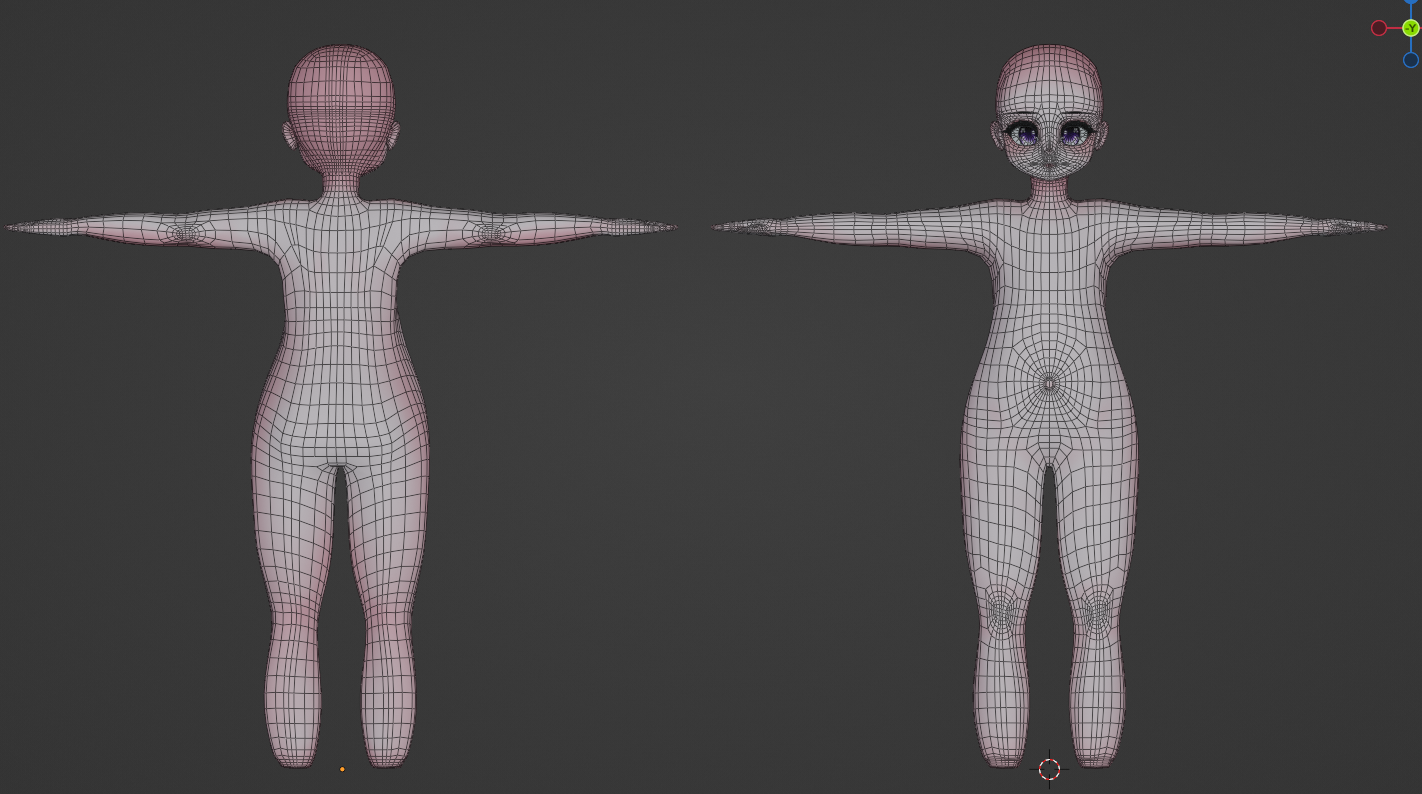
- Base - 20,526
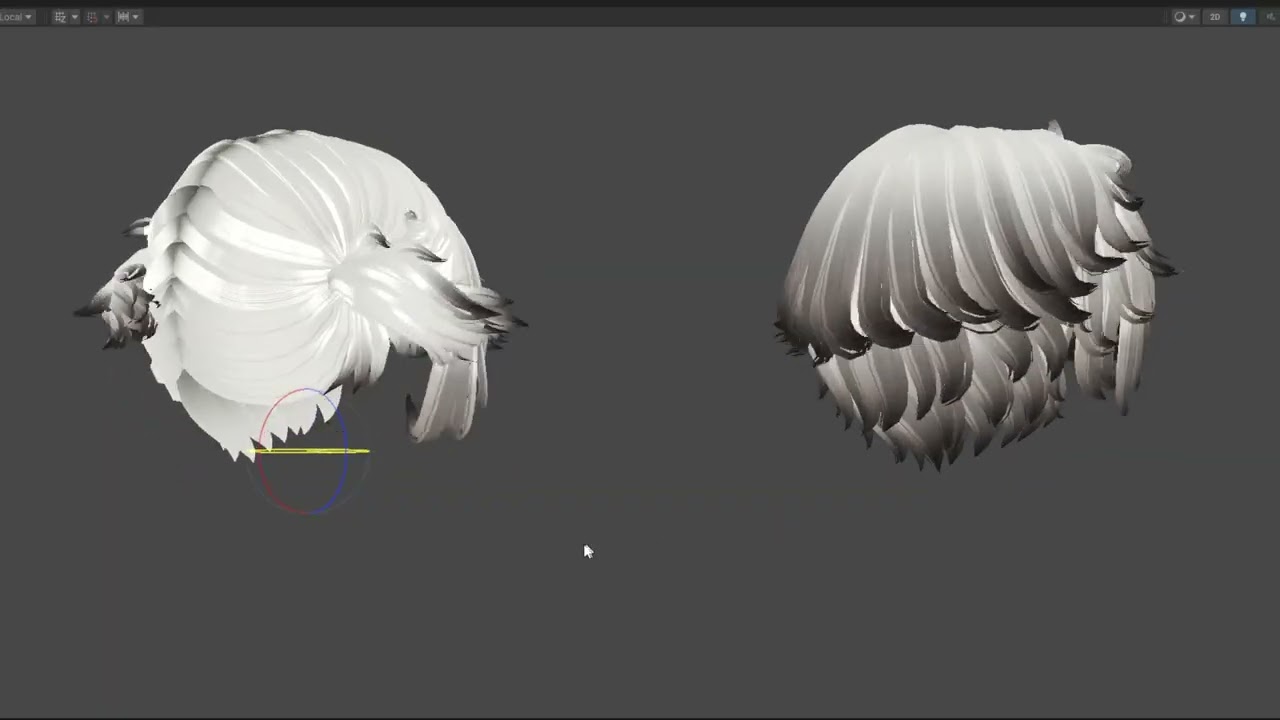
- Pigtail Hair - 23,900
- Short Hair - 17,212
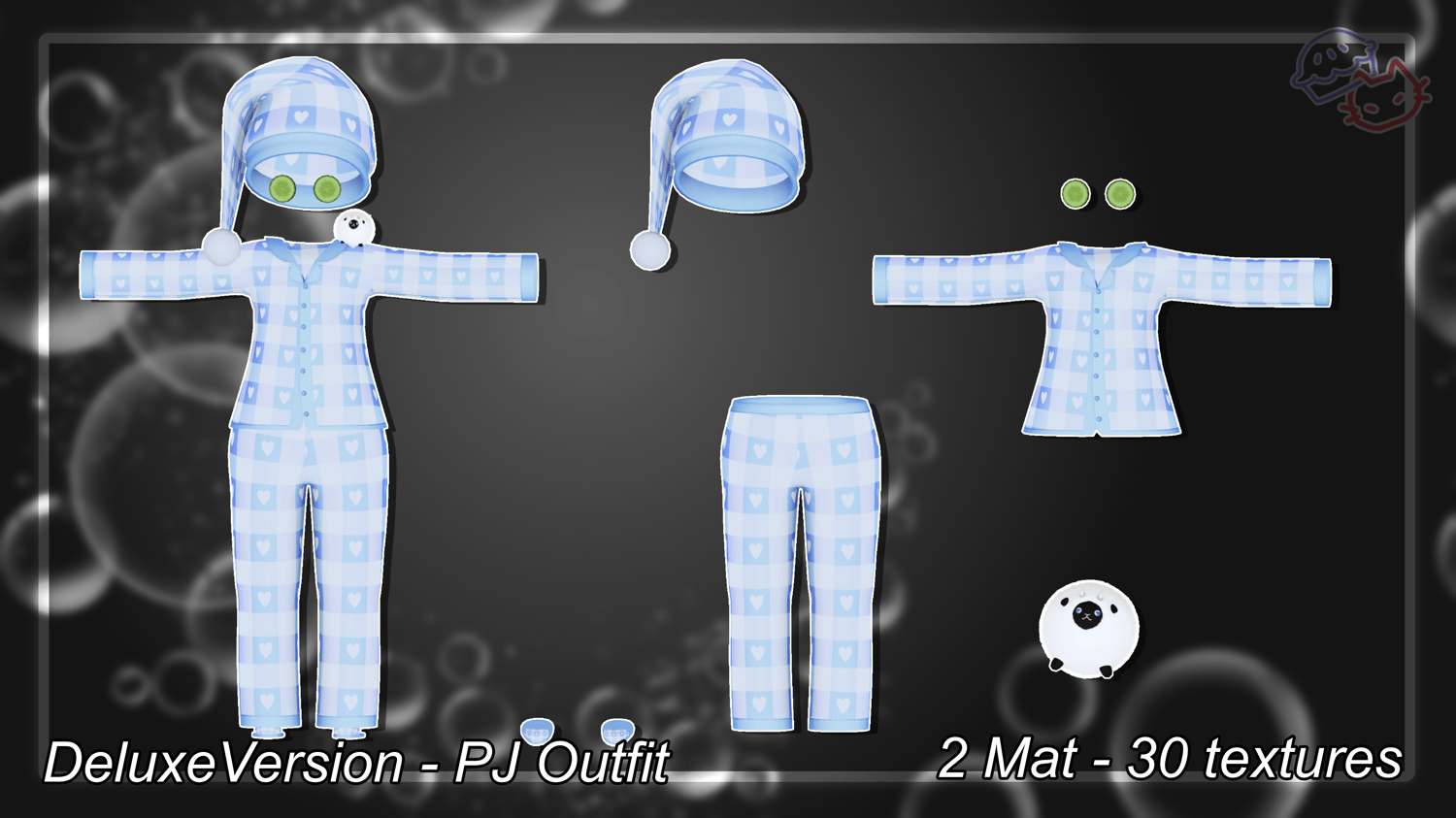
- PJ Outfit - 11,672
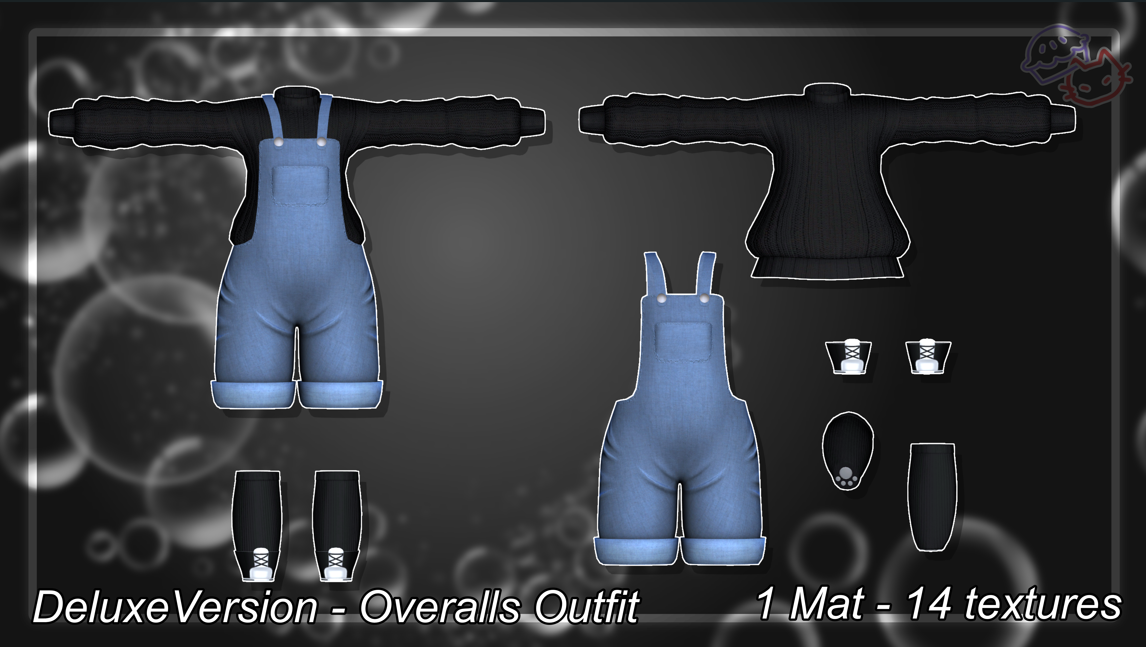
- Overalls Outfit - 15,166
- sheep plush - 2,548
Materials :
- Base - 3
- Pigtail Hair - 1
- Short Hair - 1
- PJ Outfit - 1
- Overalls Outfit - 2
- sheep plush - 1
Bones:
- Base - 67
- Pigtail Hair - 26
- Short Hair - 36
- PJ Outfit - 6 added
- Overalls Outfit - 0 added
- sheep plush - 3
Textures:
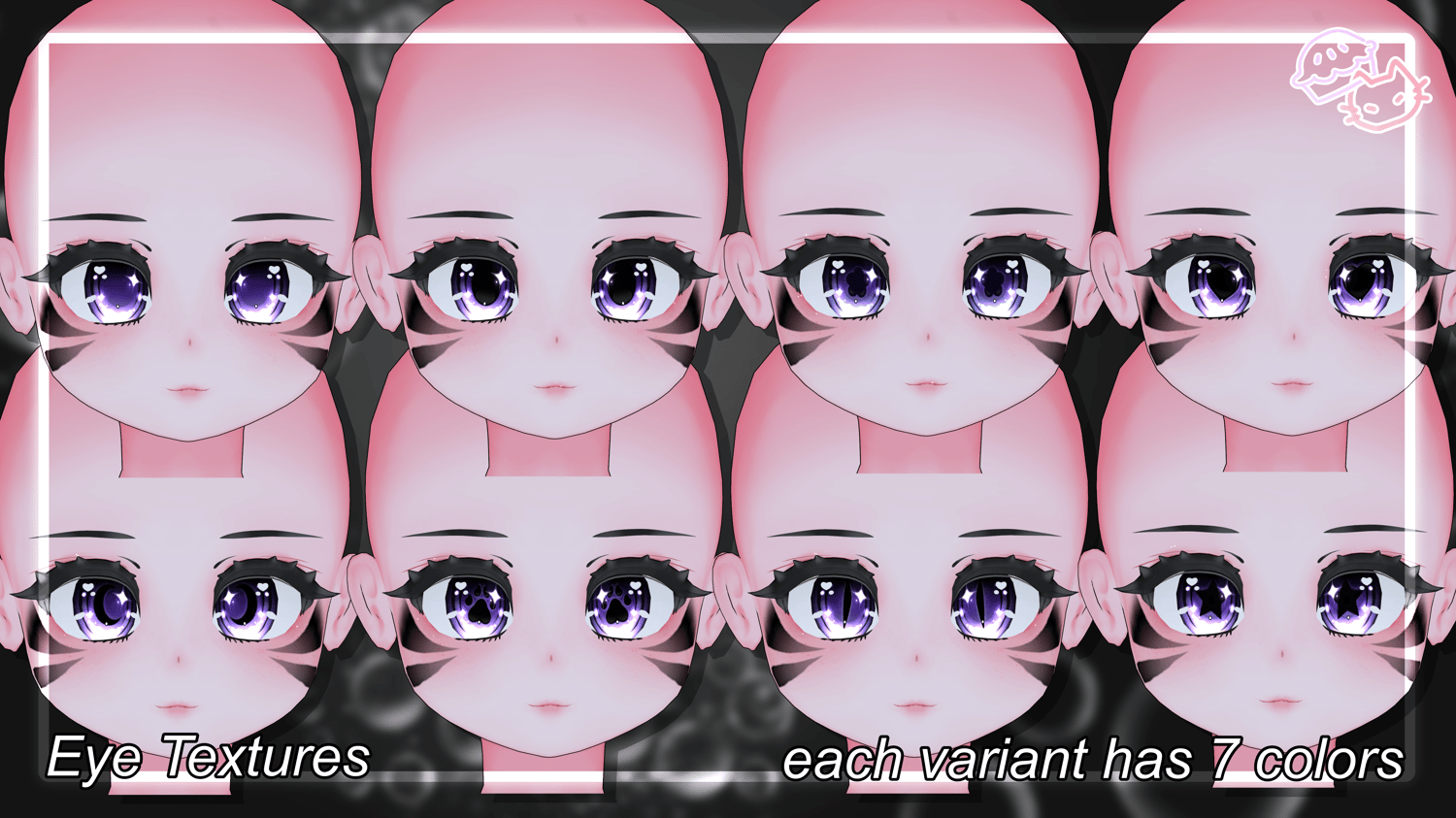
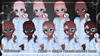
- Base - 9 Skin tones + Decals
- PJ Outfit - 30 Textures + Maps
- Overalls Outfit - 14 Textures + Extra overall Colors + Maps
- sheep plush - 1 texture + 1 fur mask


PROHIBITED
- The base must not be used in any NSFW or inappropriate manner. This includes Self-harm, gore and wounds, or anything that has undertones of abusing or sexualizing children, even as a joke. (hitting ragdoll system, death, punching, etc.)
- All clothing for the base must be SFW and appropriate.
- You cannot remove the head/body to use with another base
- If the avatar is a girl or nonbinary, please treat it like a little girl-- no topless options available on the avatar please! Boys are ok to be shirtless tho.
- No part of assets purchased are to be leaked, resold, traded, published online, shared with friends or partners, or redistributed for any purpose, except when used for a completed for-sale avatar.
- You can’t modify this base to make your own bases for sale.
- You can't sell avatars with this base for less than $15 USD.
- You can’t make free / Nitro avatars / server free models with this.
ALLOWED

- Can be used to make Public, Personal and commercial finished models.
- Make clothes, attachments, etc for the base and sell those. Sold files may only contain the outfit or item, not mesh data or the base itself.
- Commissions are allowed as long as the base is owned by both parties.
CLOTHING + HAIR FOLLOW MY MAIN TOS FOUND HERE
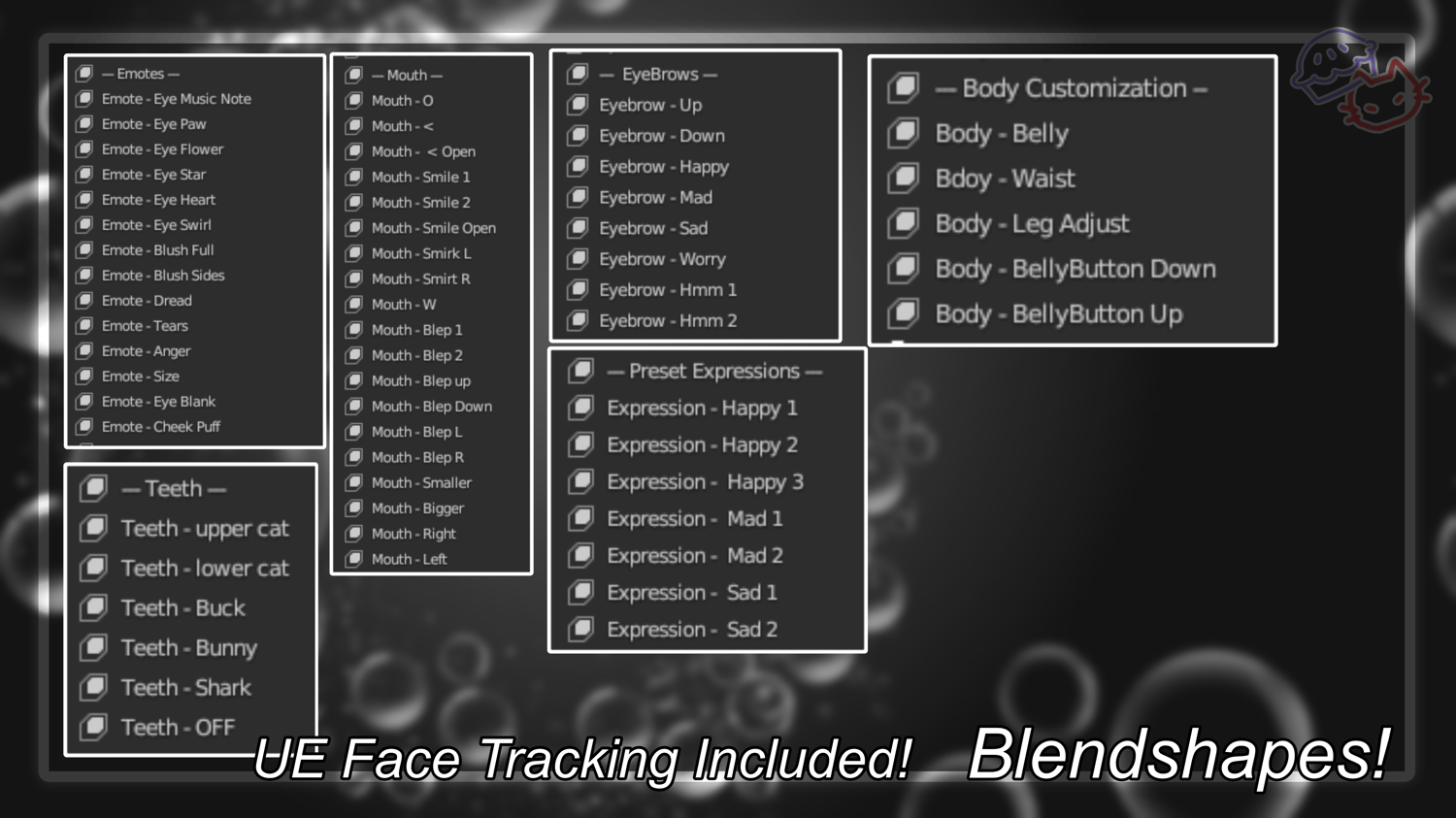
How to add VRCFT to a base
- If you don't have them installed yet, install VRCFury to your creator companion https://vrcfury.com/download/ as well as https://adjerry91.github.io/VRCFaceTracking-Templates/
- In your project with the base, select VRCfury and Jerry's templates latest version in the creator companion to install it into the project.
- Scroll down to find the Jerry's templates folder, and within it navigate to 'prefabs'
- Make sure it is NOT a 'debug' prefab (those are in there too and they're not full vrcft'
- This base is UE blendshapes. Choose the UE prefab.
- Drag the UE prefab onto the avatar.
- If you've named the body something new, and it's no longer 'Body', vrcft will not work.
- Upload
══ ❀•°Credits°•❀ ══
Hair textures used in previews - Zinpia Hair Textures
Eye Textures commissioned from - CrystalTheBaka
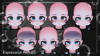
UE Face Tracking commissioned from - GodsUponTheLand
Face Tracking Preview - xgothic_lolitax
Hand mesh - GMsBox